
Claude can run BuildOnce for you. Connect the BuildOnce MCP server once, and from a single chat Claude can design a template, render it as an image, PDF or video, and post the result to your social accounts.
This guide covers how to connect, what the agent can do once it is connected, and what a render costs. For the full product overview, see the BuildOnce MCP page.
Connect Claude to BuildOnce
BuildOnce runs an MCP (Model Context Protocol) server at https://buildonce.app/v1/mcp, over streamable HTTP. In Claude.ai or Claude Desktop, add it as a custom connector:
- Open Settings → Connectors.
- Choose Add custom connector.
- Enter the name
BuildOnceand the URLhttps://buildonce.app/v1/mcp. - Click Connect.
- On the BuildOnce screen, click Allow access.
Cursor and other MCP clients use the same URL in their MCP config. The full setup steps are in the MCP documentation.
API keys do not work here. The MCP endpoint signs in with OAuth 2.1 (PKCE, dynamic client registration). Every connection is signed in by a person and can be revoked.
What the agent can do
BuildOnce exposes 36 tools to the agent. They cover:
- Templates: create and manage templates, drafts and versions.
- Brand kit: read your brand settings.
- Assets: upload your own files.
- Stock media: search stock photos and stock videos.
- Rendering: produce the final file from a template.
- Social posting: schedule and publish posts.
- Video ads: create video ads from a product page.
Agents can author full design documents, with pages, layers and animation. They are not limited to filling in someone else's template.
Designs that come out on-brand
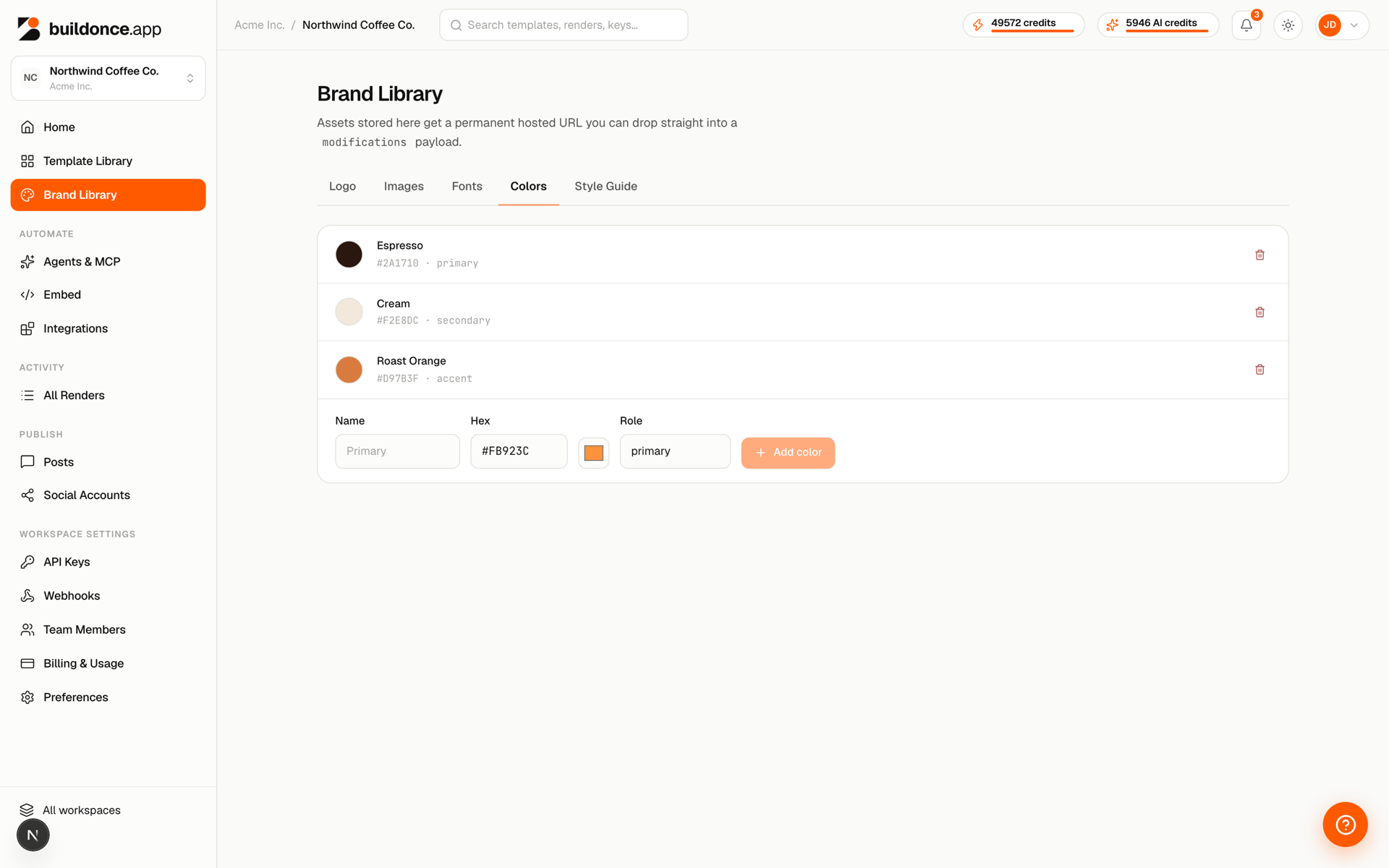
The get_brand_kit tool gives the agent your colours, fonts, logos and style guide, so what it designs matches your brand instead of a generic default.
Preview first, then render
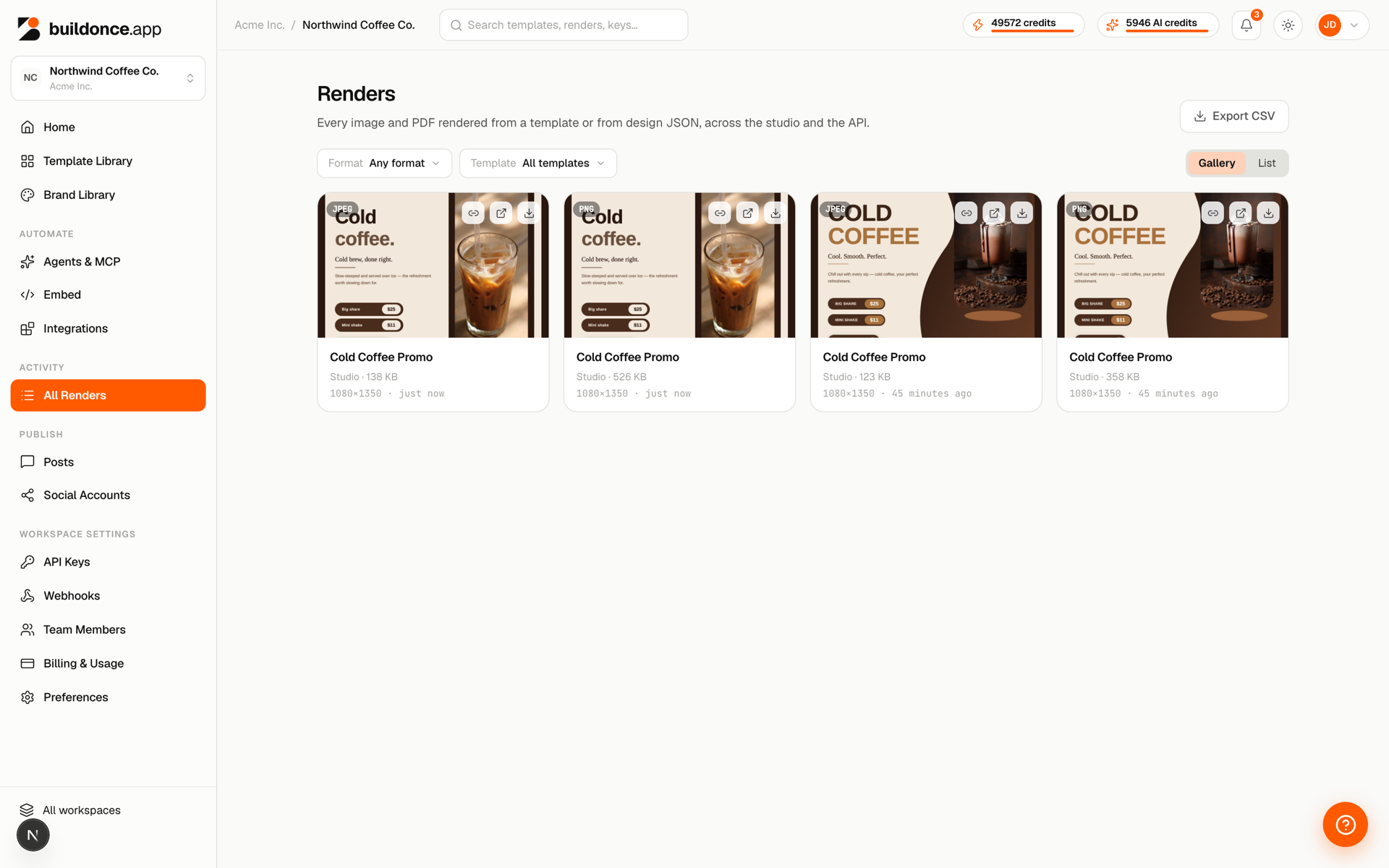
render_template has a free, watermarked preview mode, so you can check the work before you spend credits on a real render.
A real render can be a PNG, JPEG, PDF, MP4, WebM or GIF. Here is what each costs:
| Output | Cost |
|---|---|
| Image or PDF | 1 credit per image or PDF page |
| Video | 1 credit per started second, up to 60 s |
| Preview | Free |
There is no separate fee for using MCP.
Every agent render bills to the workspace and shows in the render log, so you can see what the agent produced.
Post to social from the same chat
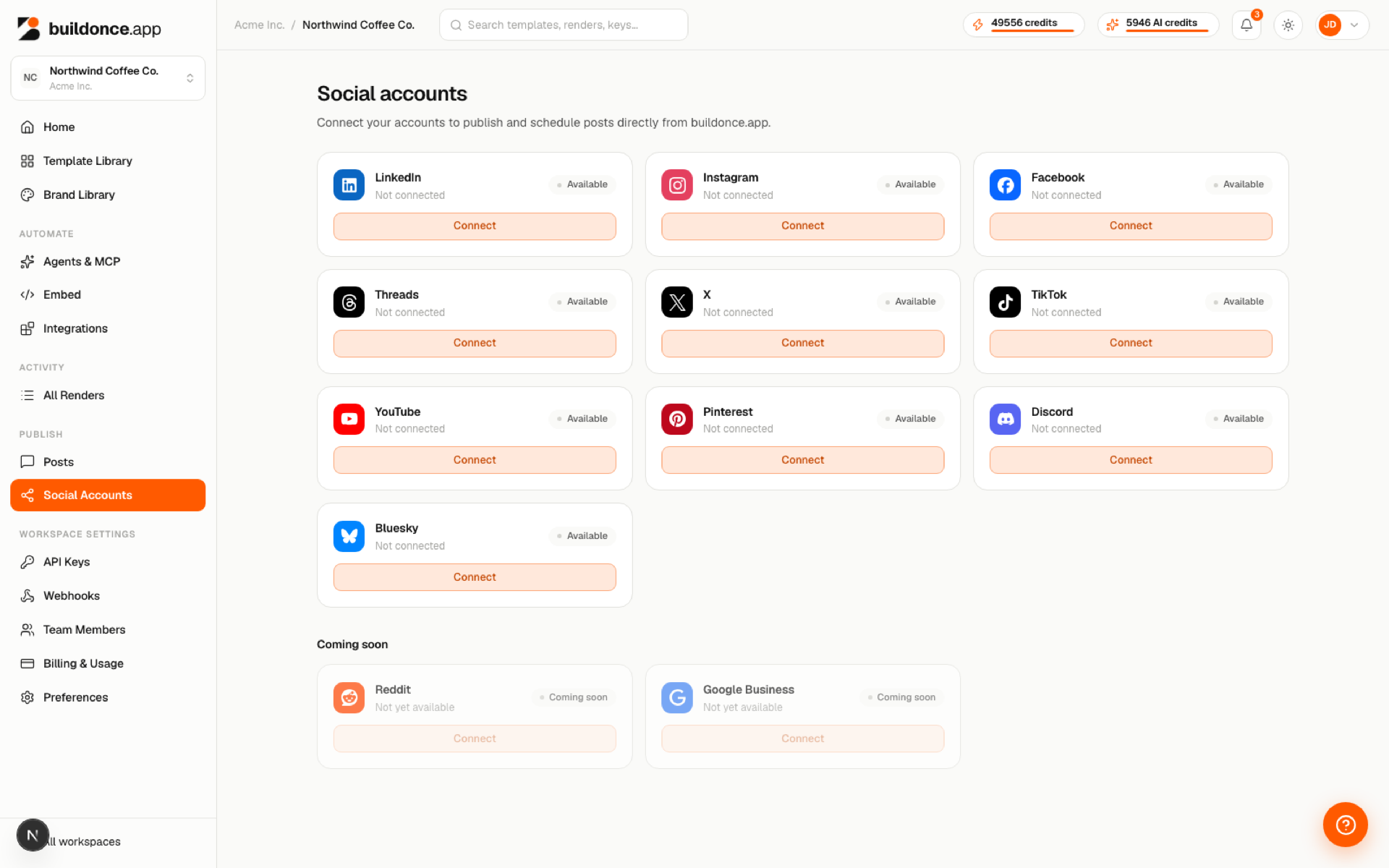
The agent can schedule, publish, edit and retry posts on your connected social accounts: LinkedIn, Instagram, Facebook, Threads, X, TikTok, YouTube, Pinterest, Discord and Bluesky.
Three prompts to try first
Once the connector is live, start with prompts like these. List what you already have:
List all the templates in my BuildOnce workspace and show their tags and dimensions.
Design something new from your brand:
Fetch my brand kit colors and fonts, and create a new 1080x1080 template for a Summer Sale.
Render the result and get a file:
Render my latest template to a PNG and give me the download URL.
The bottom line
Connect BuildOnce to Claude once, and you can go from a plain-English request to an on-brand file and a scheduled post without leaving the chat. Every render is billed to your workspace and logged.
Start by adding the custom connector with the steps above, then try the first prompt.