

Introduction
Build on buildonce.app
buildonce.app is a programmatic media platform: design a template once in the visual editor, then generate images and PDFs from it on demand — from your own backend, an automation, or an AI agent. Change a headline, swap a photo, restyle a color, and get back a finished, on-brand file in one call — no design tool open, no manual export.
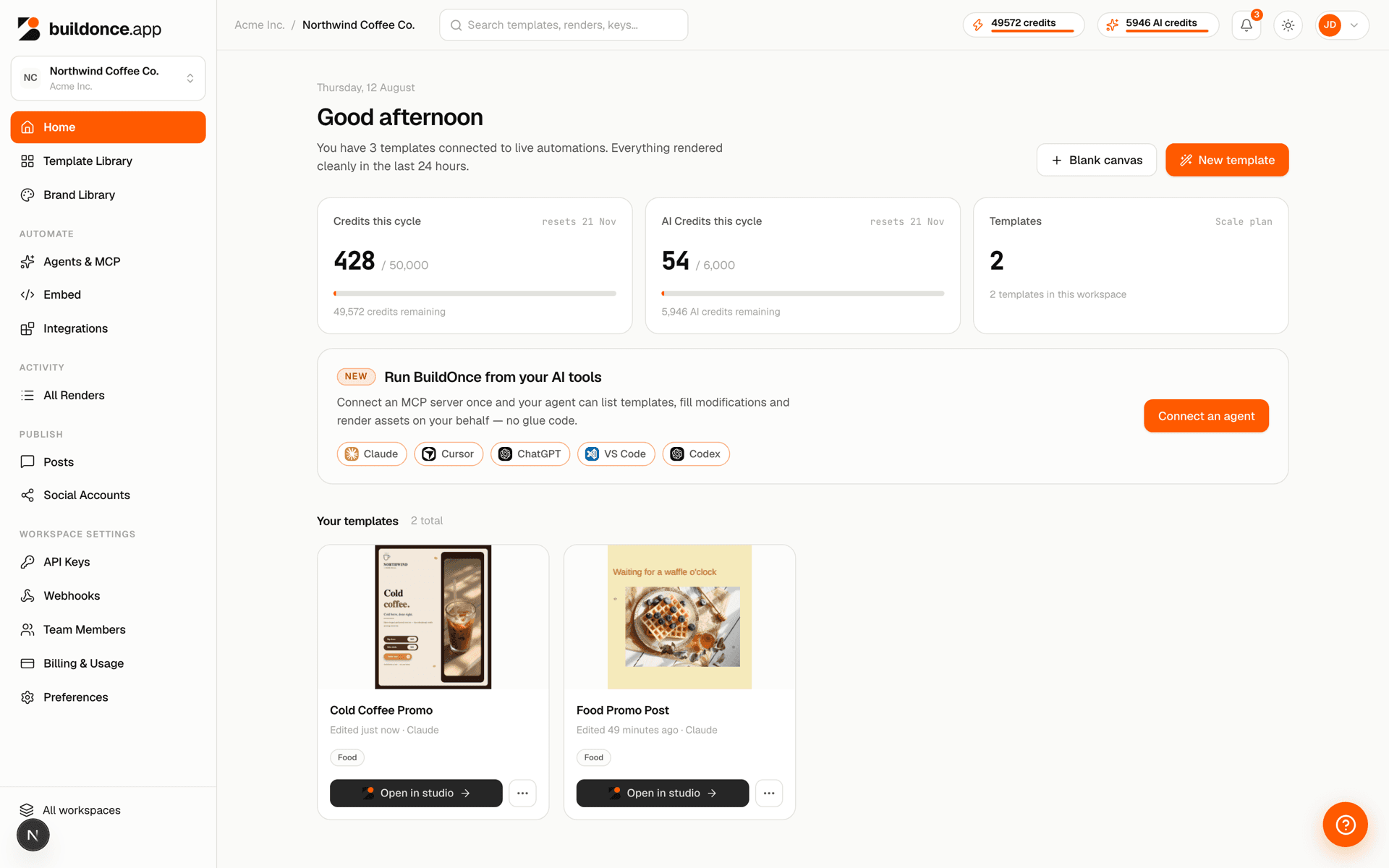
What you can build
Common patterns teams build on buildonce.app:
- Dynamic social graphics — generate a branded image per blog post, product, or event straight from your CMS or database, and optionally publish it directly to a connected account. See Social publishing.
- Personalized documents at scale — certificates, invoices, badges, or reports rendered per recipient from a single template and a row of data.
- AI-agent design — let an LLM create and render templates on your behalf via MCP, matched to your brand kit automatically.
- White-labeled design tools — embed the studio in your own product so your users can design and export without ever seeing the buildonce.app brand.
- Migrating an existing design library — bring templates in from Canva, Polotno, or a raw HTML/exported design instead of rebuilding from scratch. See Importing templates.
Core capabilities
- Templates — multi-page design documents with named variables for text, image and color layers, authored in the visual editor. See Template anatomy.
- Rendering — png, jpeg or pdf output, single page or every page at once, or mp4/webm/gif video of the whole design, with per-request variable overrides. See Renders.
- Assets & brand kit — upload images, fonts and icons, search stock photography, and keep a workspace-wide logo/color/font palette every design can draw from. See Design assets.
- Public template catalog — a shared library of ready-to-use templates every workspace can browse and import. See Public template catalog.
- API keys — workspace-bound credentials with full access to the machine API. See API keys.
- Billing & credits — usage-based plans with included render credits, tracked at the subscription level and shared by its workspaces. See Billing & plans.
Ways to integrate
There are three ways to integrate:
- The machine API — a small REST surface under
/v1/*, authenticated with an API key, for calling render from your own code. See API reference. - The MCP server — the same template and render operations exposed as tools to any MCP-compatible AI client (Claude Desktop, Claude Code, Cursor, etc.), authenticated with OAuth. See MCP server.
- The embeddable studio — the same design editor, mountable on your own site so your end-users can create and render templates without ever visiting buildonce.app. See Embeddable studio.
Every surface calls the exact same template/render engine as the dashboard — a template rendered through the API, an MCP tool, or an embed looks identical to one rendered by clicking “Render” in the studio.
Next step
New here? Start with the Quick start — three steps to your first rendered image.
Was this page helpful?