

Importing templates
Importing from Templated, Bannerbear or Orshot
TTemplatedBBannerbearOOrshot
These tools don't expose a design-export API, so the reliable path is your browser's own page-saving feature:
- Open the design in the source tool.
- Press
⌘/Ctrl+S(orFile → Save As…) and choose “Webpage, Single File” — this saves a.mhtmlfile. - Upload the saved .mhtml file into buildonce.app's import dialog.
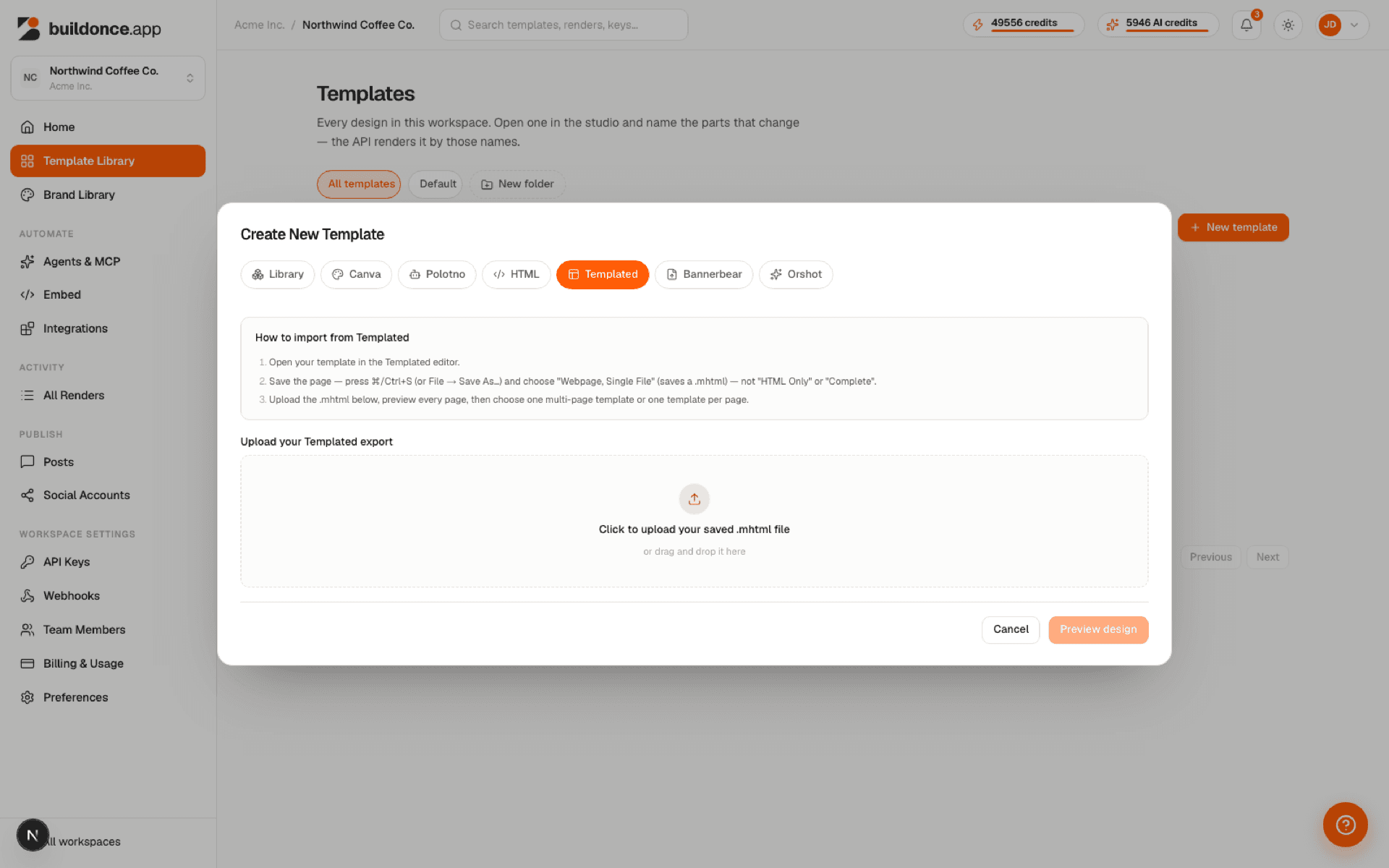
Choose “Webpage, Single File,” not “HTML Only” or “Complete” — those don't inline the page's images and fonts into one file, so the import would be missing assets.
All pages in a multi-page design are imported automatically from a single .mhtml file. Upload is capped at 75 MB — enough for a large, image-heavy, multi-page export.
Was this page helpful?