

Renders
Rendering always rasterizes a template's live draft — whatever currently stands in the studio, not a separately published version. This is deliberate: there is no separate “publish” step, so what you see in the editor is always what the API returns.
A render can produce a single page or every page at once (allPages), in one of six formats. Three are images — png, jpeg, or pdf — and return the finished file in the same call: requesting allPages with a raster format produces one file per page, and with pdf a single multi-page file.
The other three — mp4, webm, and gif — render every page as one animated video, each element's enter/exit animation and each page's transition played exactly as the studio shows it. A video is always asynchronous: the call answers 202 with the request queued, and you poll GET /v1/renders/:renderId until it finishes. It costs 1 credit per started second and can be at most 60 s.
Every call is a render request with its own renderId (rnd_…). A request holds its files in page order — one per page, or one PDF — and the exact design it was rendered from, after modifications. That stored design is what makes a render reusable: you can rerender it with new values, or let your users edit it in the embedded editor. Either way you get a new request that points back at its source; the master template never changes.
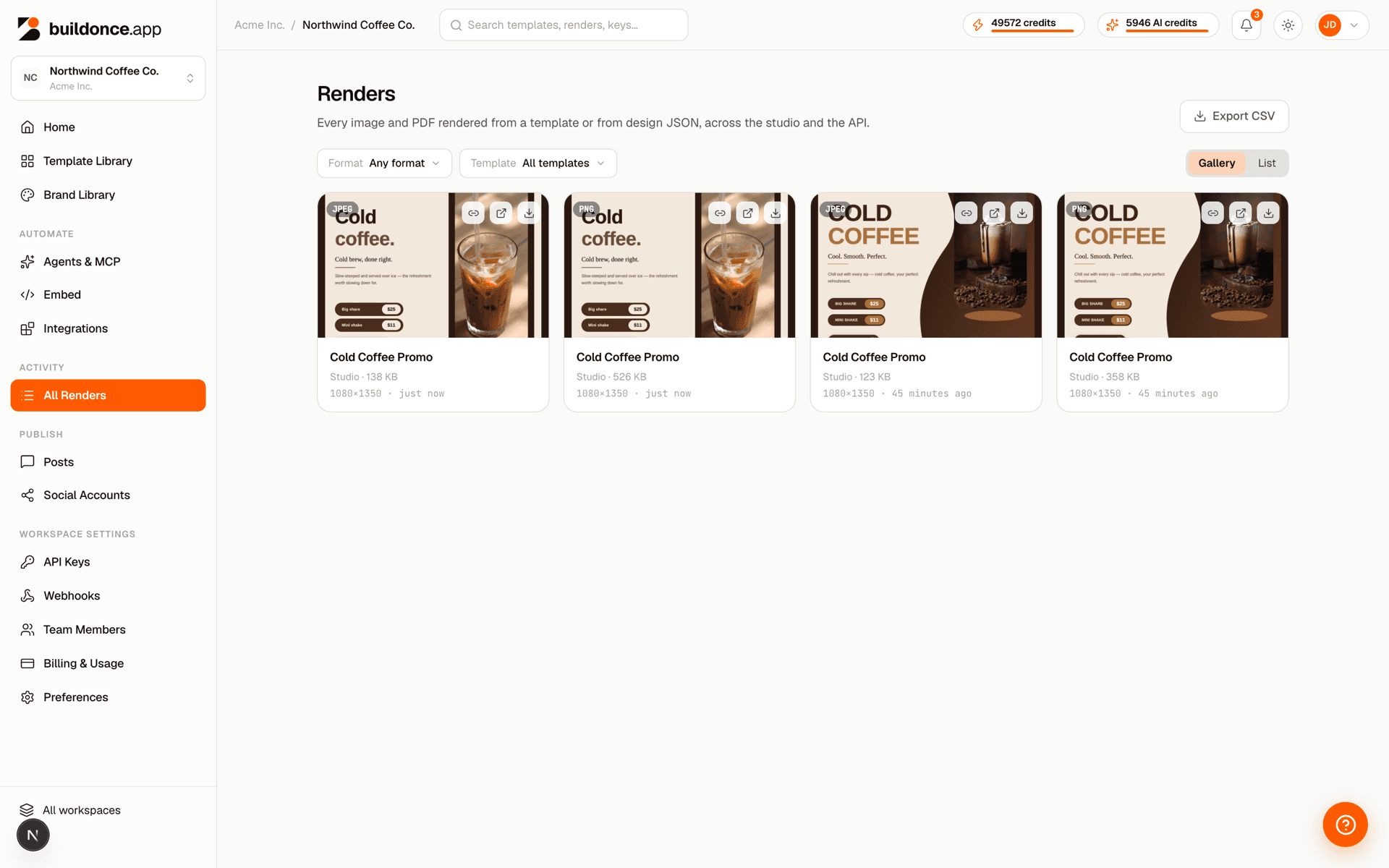
idempotencyKey: you get the original request back.A page with nothing on it renders as a blank image flagged isEmpty — files always match the design's pages, in number and order. Every file is a hosted URL with its pixel dimensions and byte size. Renders outlive the template they came from, and can be listed from the dashboard's Renders page.
Was this page helpful?