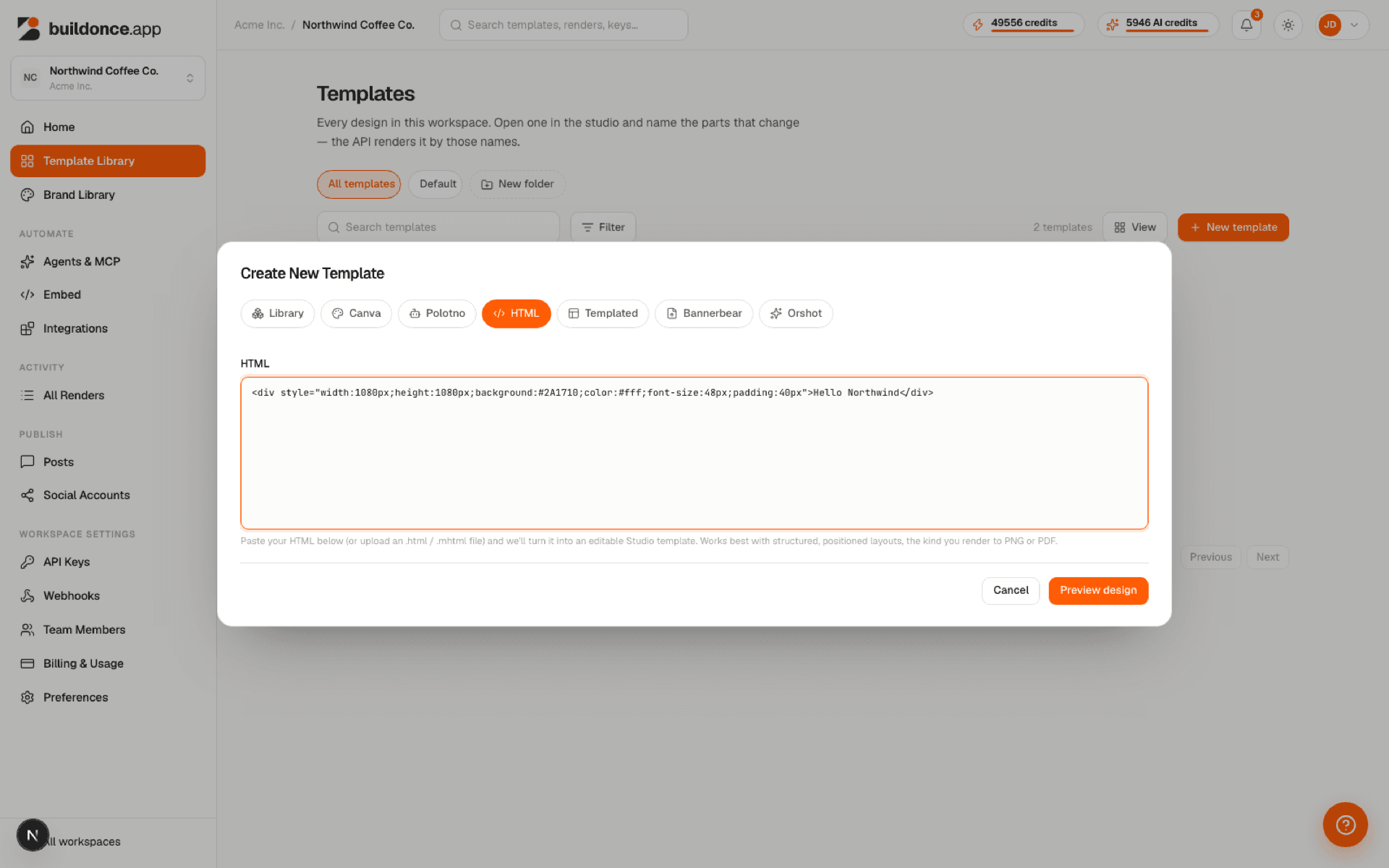
Paste raw HTML directly into buildonce.app's import dialog — there's no file upload for this source. buildonce.app renders the pasted document in a real browser and extracts its visible text, images and shapes as template layers.
Works best with structured, positioned layouts — the kind of page you'd normally render straight to PNG or PDF. Flowing document-style HTML converts, but positioning may need touch-ups afterward.
Import → HTML — paste raw markup, then Preview design.