

Design assets
Public template catalog
Beyond your own workspace's templates, buildonce.app maintains a shared, ready-to-use catalog every workspace can browse — social posts, ads, certificates and other common formats. Browse it from the Library tab of the Create New Template modal.
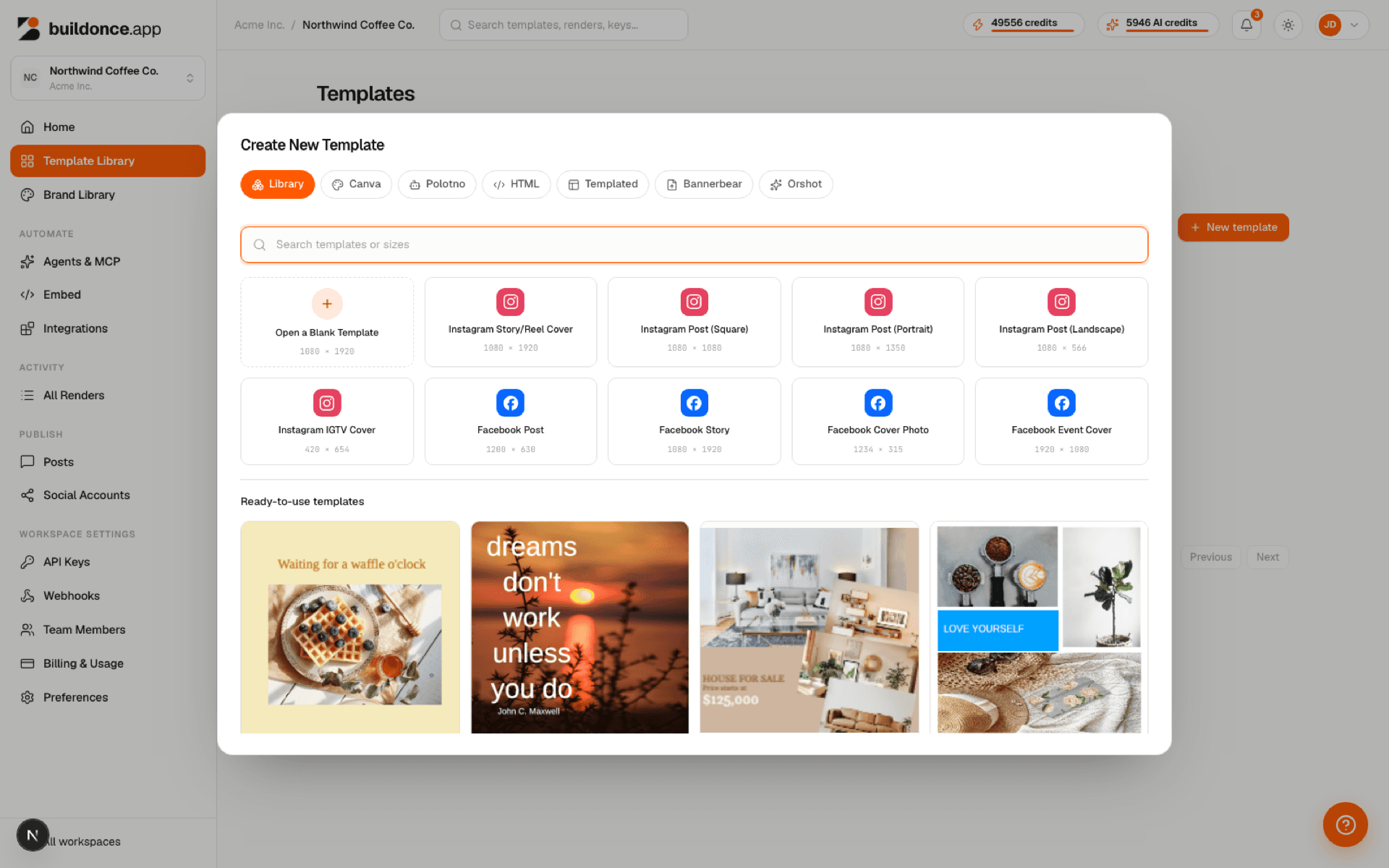
Importing a catalog template copies it into your own workspace as a new template — it becomes yours to edit freely and never changes if the catalog original is updated later.
You can also open a catalog template's design directly in the editor's Templates panel — the same catalog, to preview before deciding to import.
Was this page helpful?